

Make a short film starring yourself
Upload a few photos. We’ll keep you looking like the same person in every scene. Watch your finished film in minutes.
Command center · Studio floor · Stills first on Free — video costs more
Stills first · honest credit cost
Stills are cheap — lock look and story on Free before you spend on motion. Video costs more credits — animate only locked stills. Pro ($39) raises still/video includes and project slots — not unlimited generation.
- Free · stills path
Limited stills + videos · 1 project · explore identity - Pro $39 / mo
~60 stills · ~20 videos · 5 projects · better for short films - Studio $99 / mo
~200 stills · ~60 videos · 25 projects · multi-sequence scale
Process over prompts
Film production — not isolated AI clips
Most AI video tools stop at a single generation. AiHowse Movie Studio is built as a production Howse: vision and structure first, continuity locks, sequence packages, controlled generation, Pass/Reject review, Music Layer, and a final Director’s Cut you can watch end-to-end. That is how creators ship reels, shorts, and multi-sequence packages that feel intentional.
Step 01
Idea → photos (Create)
Start free: write a short idea and upload a few photos. Basic Mode creates your project and locks identity so you look like the same person in every still.
Start free with photos →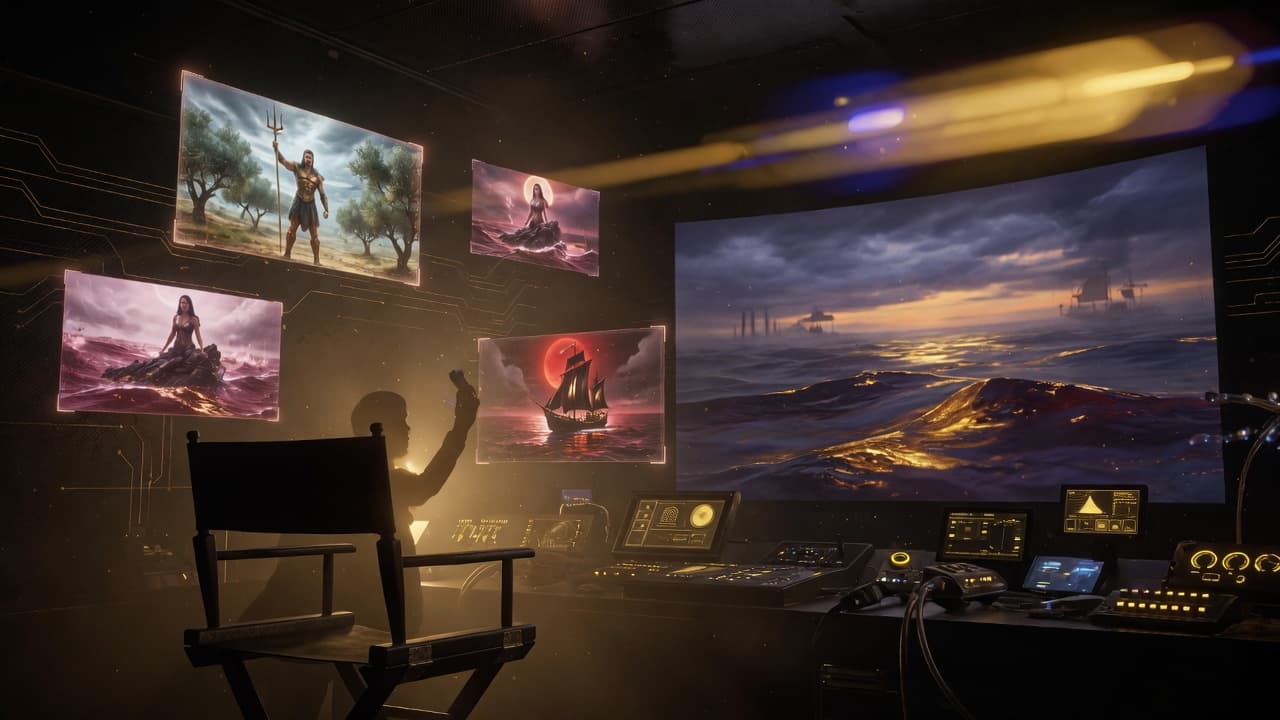
Idea → photos (Create)
Step 02
Stills first (cheap)
Generate key stills before video. Stills use less plan capacity and lock look and story — Free is built for this path.
Create · first stills →
Stills first (cheap)
Step 03
Continuity when you scale
Standard / Advanced / Odyssey add Continuity Bible, characters, locations, and sequence packages for multi-scene films — after you prove the look.
Open command center →Continuity when you scale
Step 04
Video only after stills
Video costs more credits. Animate locked stills only. Pro/Studio raise still + video includes — not unlimited generation.
See Pro capacity →Video only after stills
Step 05
Review to Director’s Cut
Pass / Reject assembly, attach Music Layer, then Director’s Cut for continuous playback, save, and share.
Visit Library →Review to Director’s Cut
Who it’s for
Built for people who need process, continuity, and a finished cut — not another disconnected generator.
Indie filmmakers
Develop short features and proof-of-concept reels with a real stage path — not single-clip toys.
Music video directors
Pair Music Studio scores with Movie Studio boards; stills-first keeps brand identity locked.
Agencies & operators
Package client vision into sequence work, review QC, and a presentable Director’s Cut.
AI creators leveling up
Move from isolated generations to continuity, assembly, and finished production language.
Explore AiHowse
Ready to produce
From vision to Director’s Cut — start free
Explore on Free daily allowances, then unlock Pro or Studio for higher still/video headroom and production agents. No email-only upgrade path — Stripe Checkout when you’re ready.